 Fluentd
Raspberrypi Cloud Data Logger
Raspberry Pi is a credit-card-sized single-board computer. Because it is low-cost and easy to equip with various types of sensors, using Raspberry Pi as a cloud data logger is one of its ideal use cases.
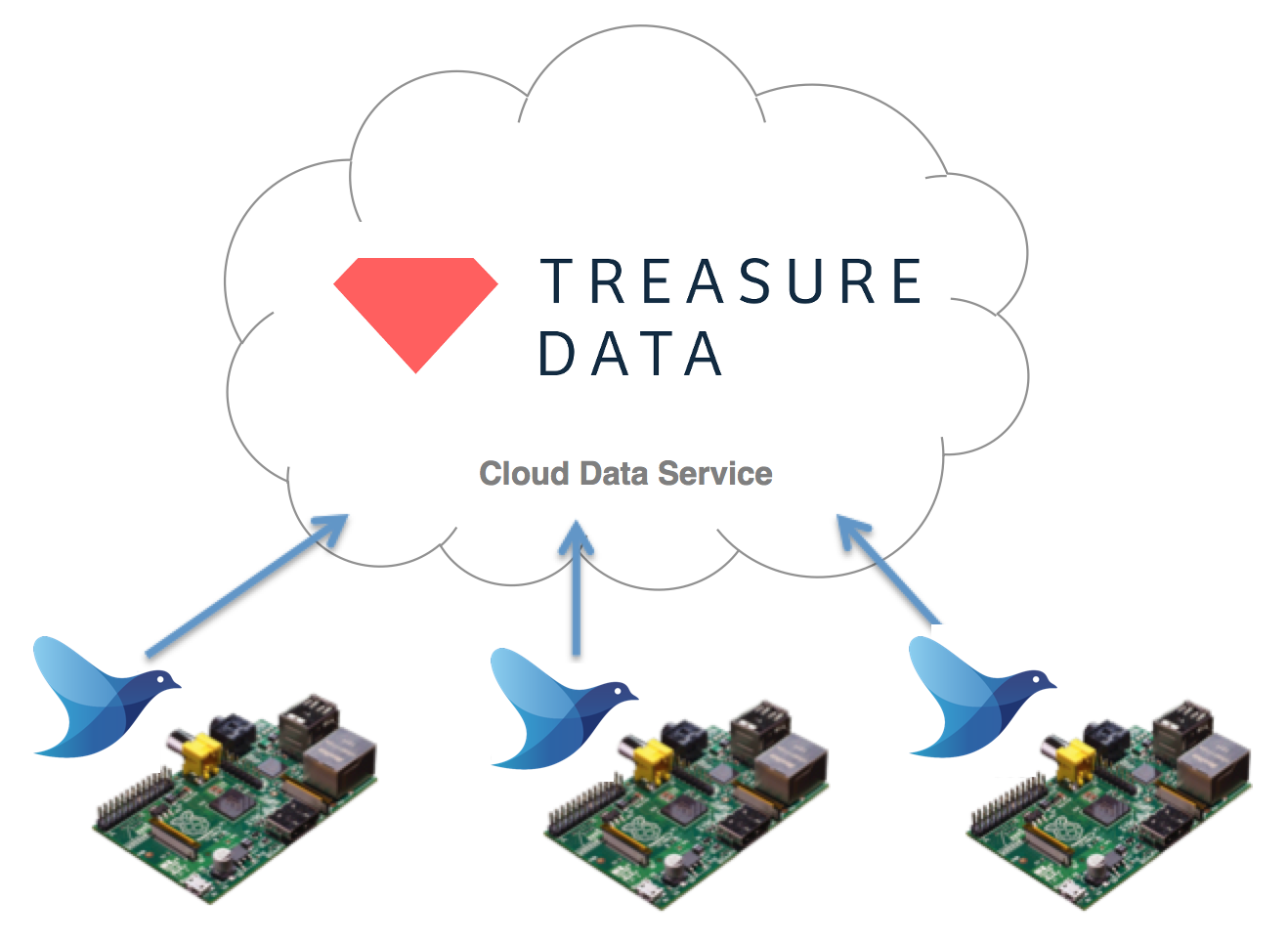
This article introduces how to transport sensor data from Raspberry Pi to the cloud, using Fluentd as the data collector. For the cloud side, we'll use the Treasure Data cloud data service as an example, but you can use any cloud service in its place.
Install Raspbian
Raspbian is a free operating system based on Debian, optimized for the Raspberry Pi. Please install Raspbian on your Raspberry Pi by following the instructions in the blog post below:
Install Fluentd
Next, we'll install Fluentd on Raspbian. Raspbian bundles Ruby 1.9.3 by default, but we need the extra development package to install Fluentd.
$ sudo aptitude install ruby-dev
We'll now install Fluentd and the necessary plugins.
$ sudo gem install fluentd -v "~> 0.12.0"
$ sudo fluent-gem install fluent-plugin-td
Configure and Launch Fluentd
Please sign up to Treasure Data from the sign up page. Its free plan lets you store and analyze millions of data points. You can get your account's API key from the users page.
Please prepare the fluentd.conf file with the following information, including your API key.
<match td.*.*>
  @type tdlog
  apikey YOUR_API_KEY_HERE

  auto_create_table
  buffer_type file
  buffer_path /home/pi/fluentd/td
</match>
<source>
  @type http
  port 8888
</source>
<source>
  @type forward
</source>
Finally, please launch Fluentd via your terminal.
$ fluentd -c fluent.conf
Upload Test
To test the configuration, just post a JSON message to Fluentd via HTTP.
$ curl -X POST -d 'json={"sensor1":3123.13,"sensor2":321.3}' \
  http://localhost:8888/td.testdb.raspberrypi
If you're using Python, you can use Fluentd's python logger library.
Now, access the databases page to confirm that your data has been uploaded to the cloud properly.
You can now issue queries against the imported data.
For example, these queries calculate the average sensor1 value and the sum of sensor2 values.
SELECT AVG(sensor1) FROM raspberrypi;
SELECT SUM(sensor2) FROM raspberrypi;
Conclusion
Raspberry Pi is an ideal platform for prototyping data logger hardware. Fluentd helps Raspberry Pi transfer the collected data to the cloud easily and reliably.
Learn More
If this article is incorrect or outdated, or omits critical information, please let us know. Fluentd is a open source project under Cloud Native Computing Foundation (CNCF). All components are available under the Apache 2 License.